Screenshot Editor Blur Text
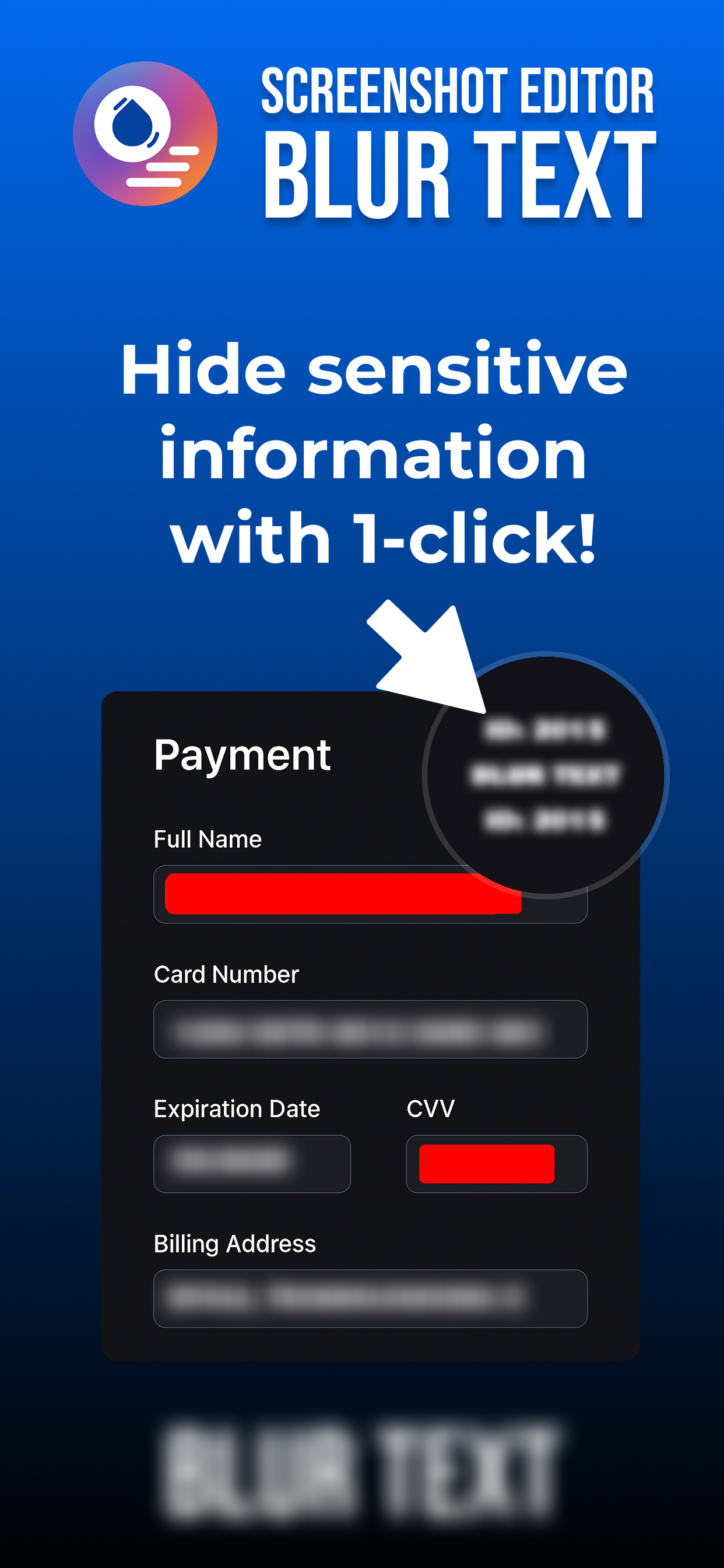
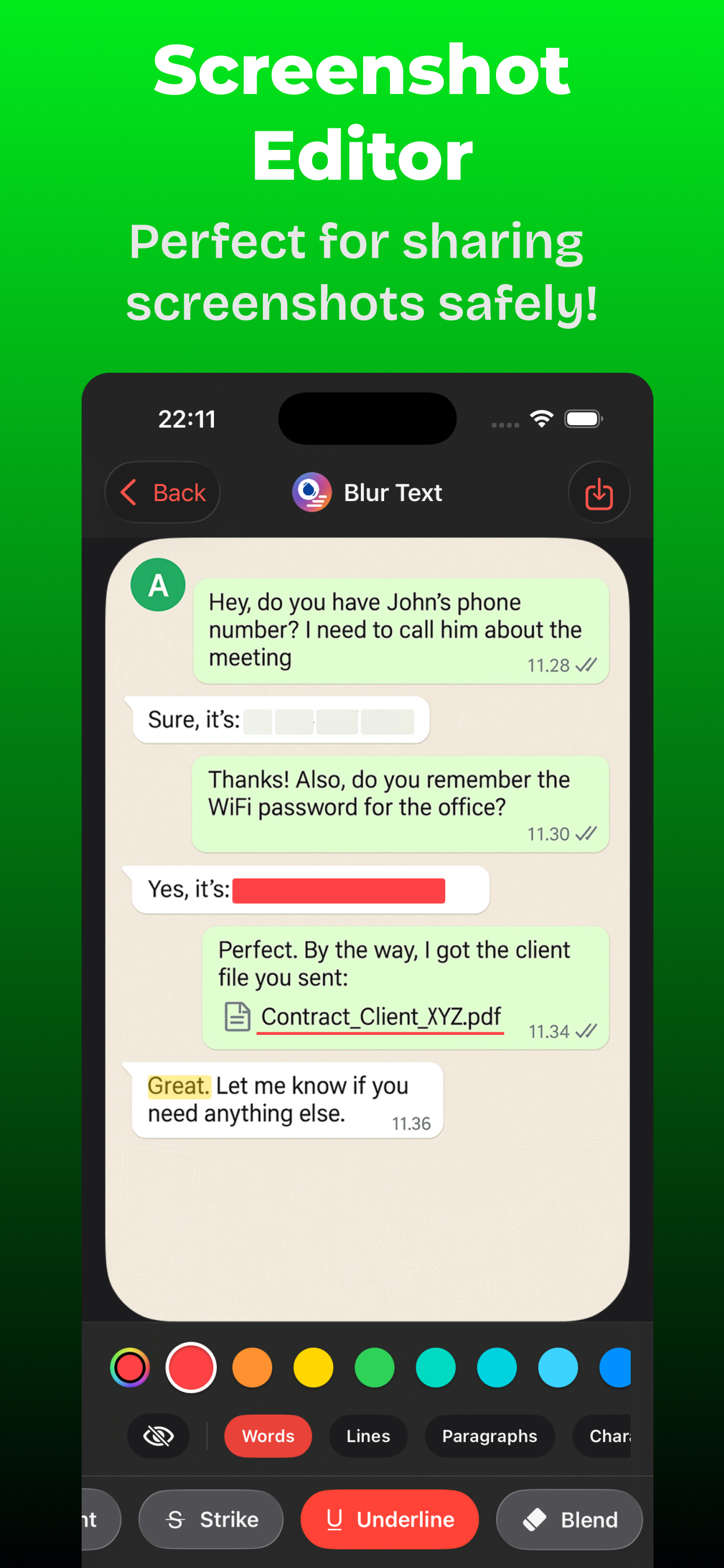
Hide secrets, highlight details, and create beautiful guides in seconds. Protect your privacy and polish your screenshots with professional touches. Detect text on-device to instantly blur or redact, add arrows and shapes, and finish with elegant backdrops—all without your data ever leaving your phone.
(Tap to enlarge)
Core Features
- On-device text detection and privacy tools
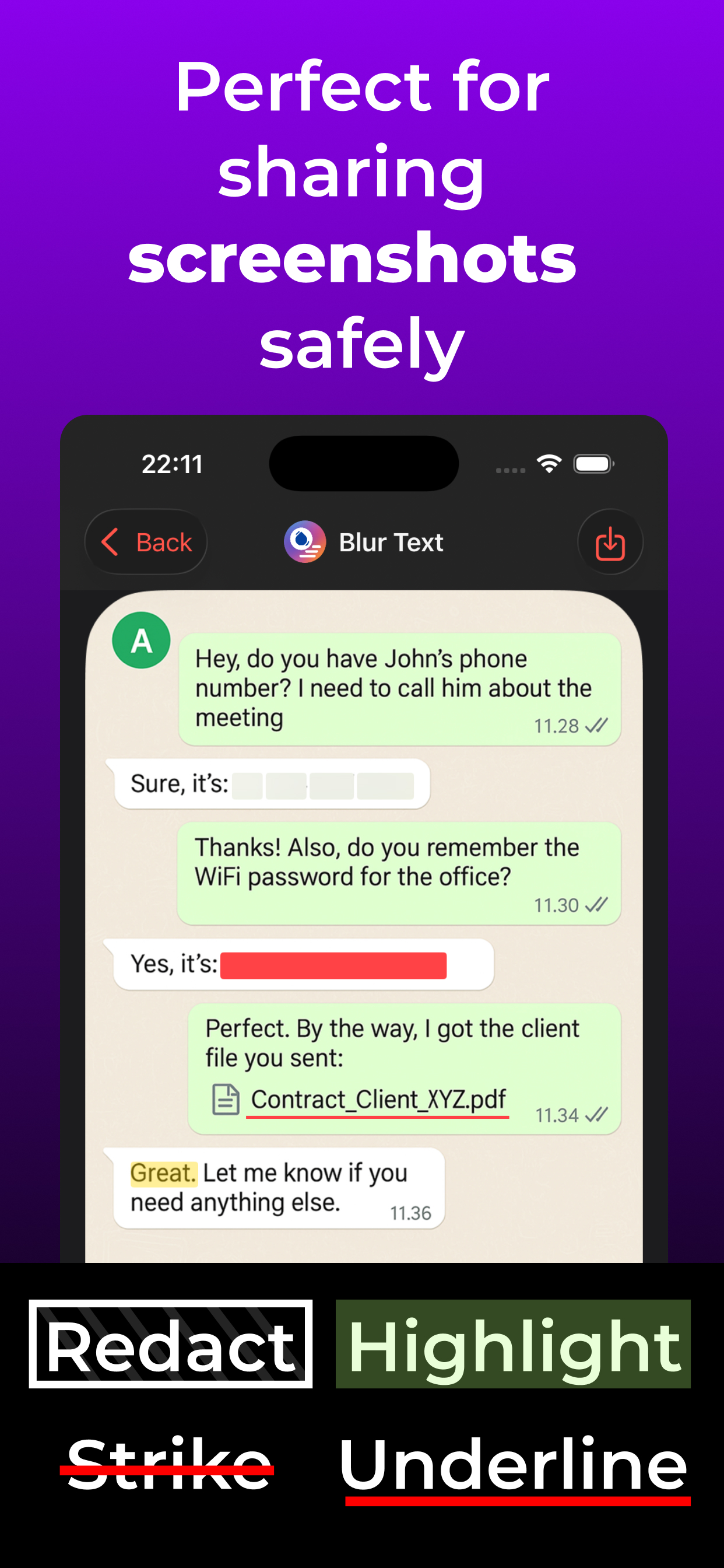
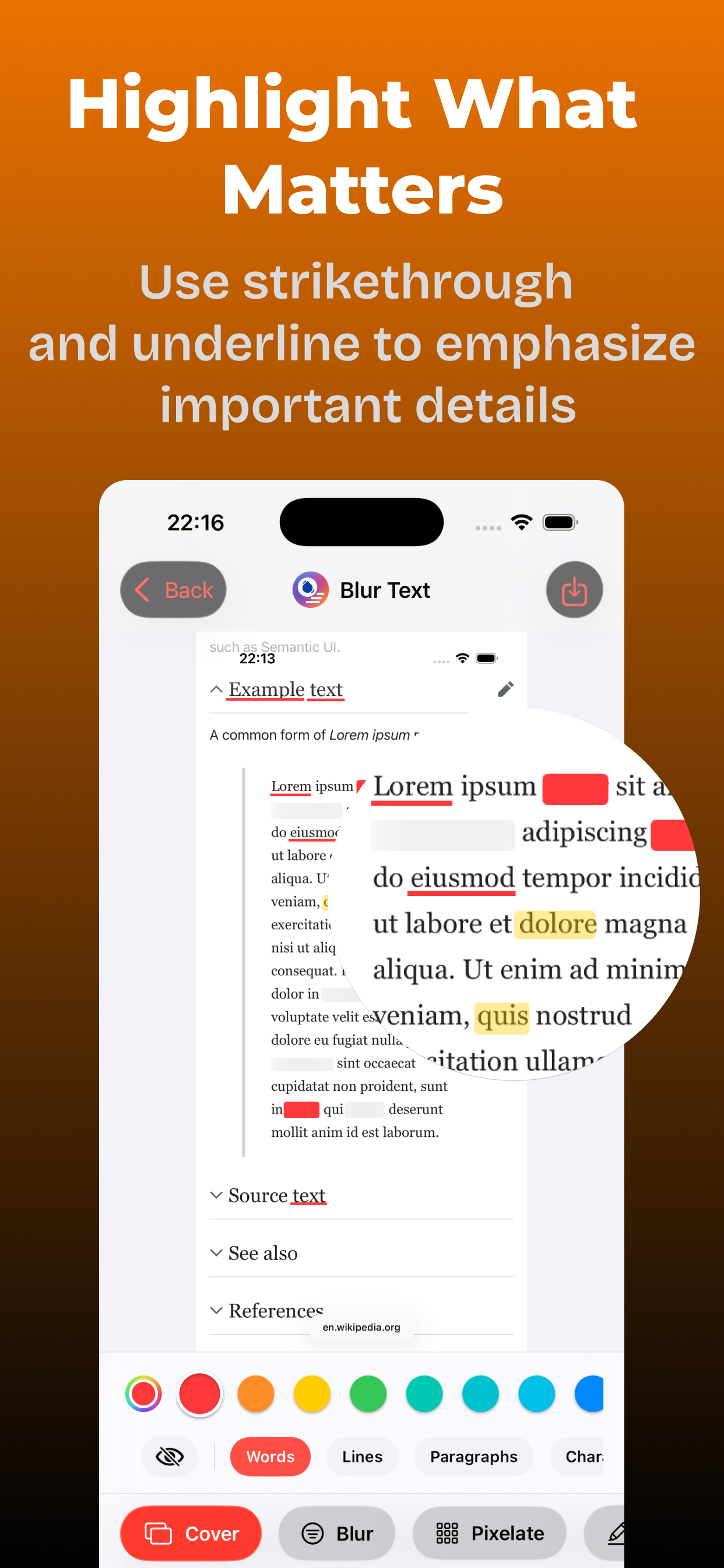
- Blur, pixelate, redact, highlight, underline, strike-through
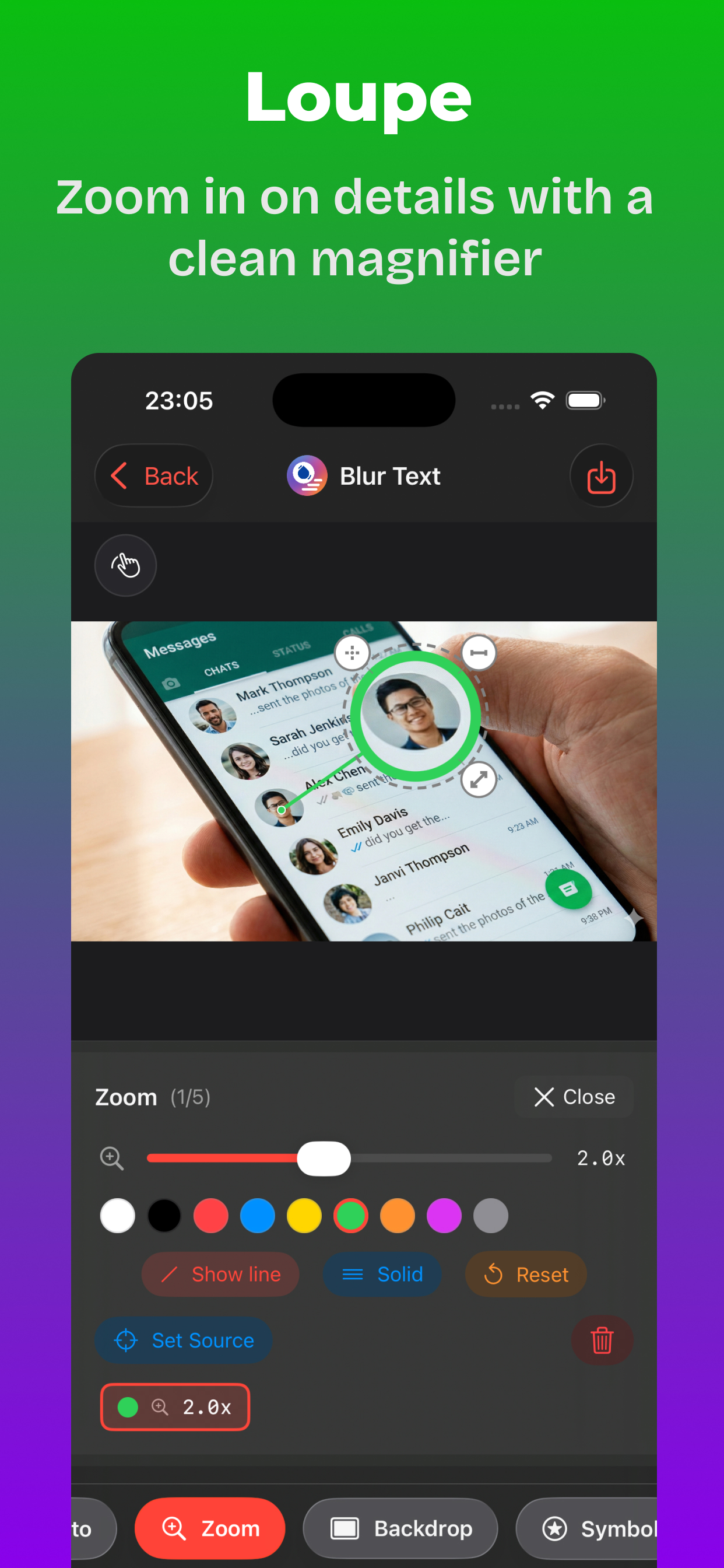
- Loupe (zoom) for precision editing
- Add photo overlays
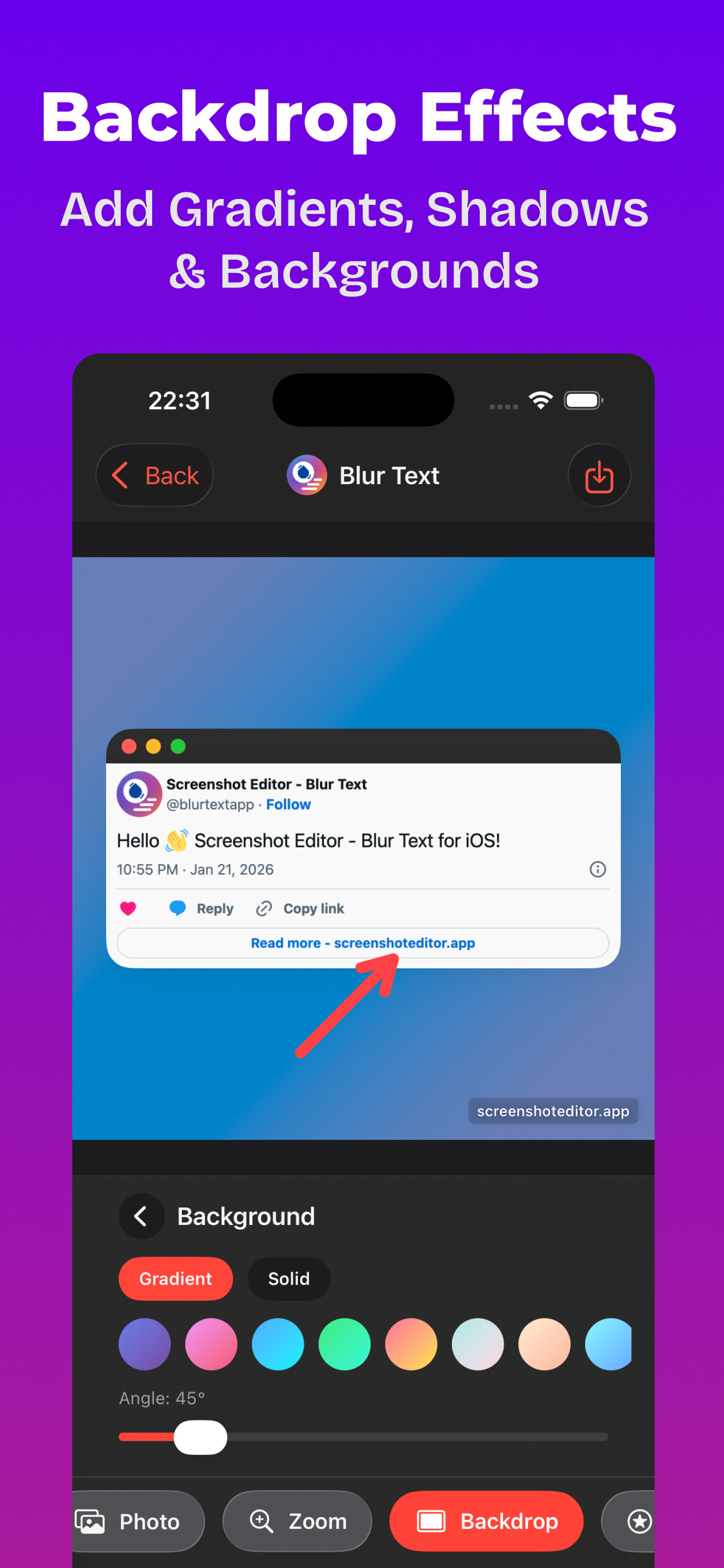
- Backdrop effects and image cropping
- Text styles, templates, and custom colors
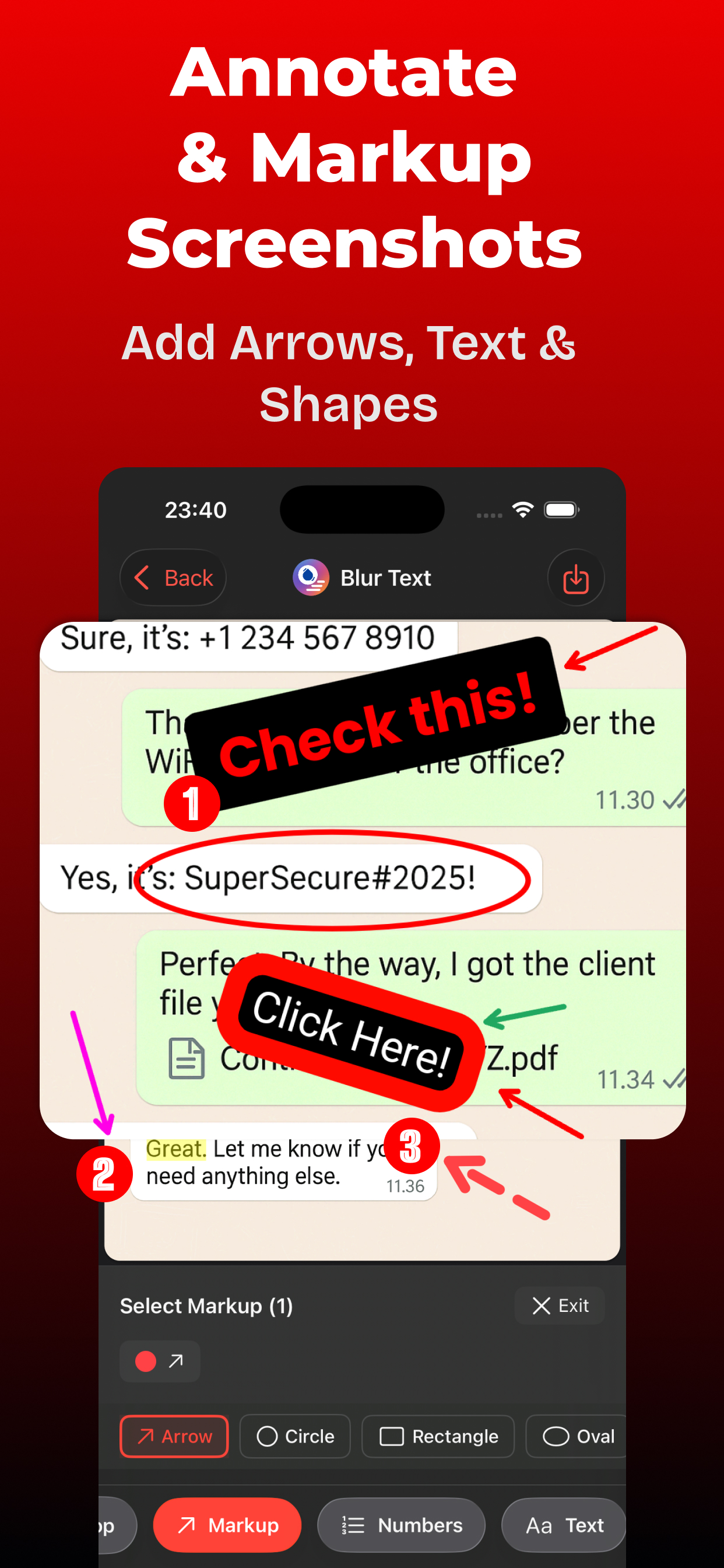
- Markup tools: arrows, circles, rectangles, ovals
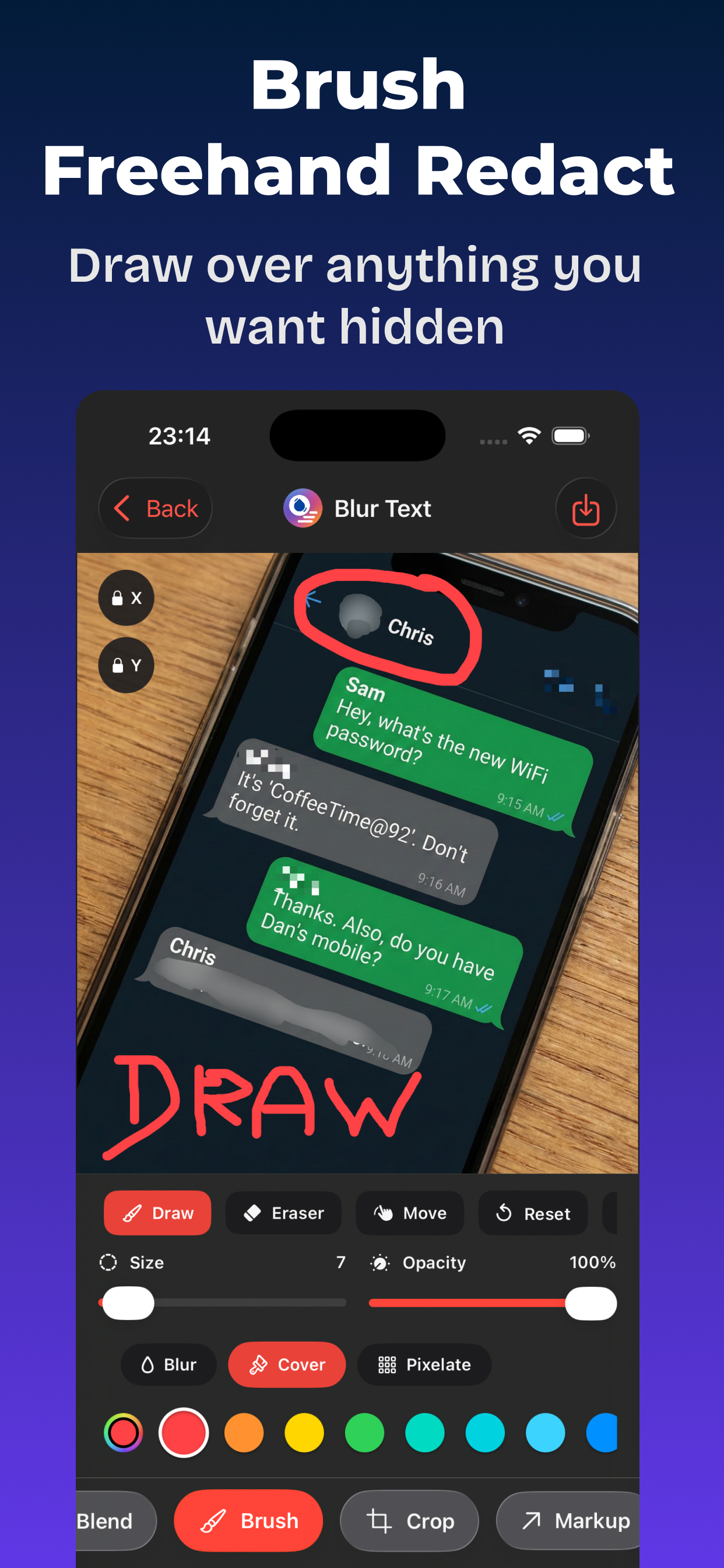
- Freehand brush (blur, pixelate, or ink)
- Numbered steps for tutorials
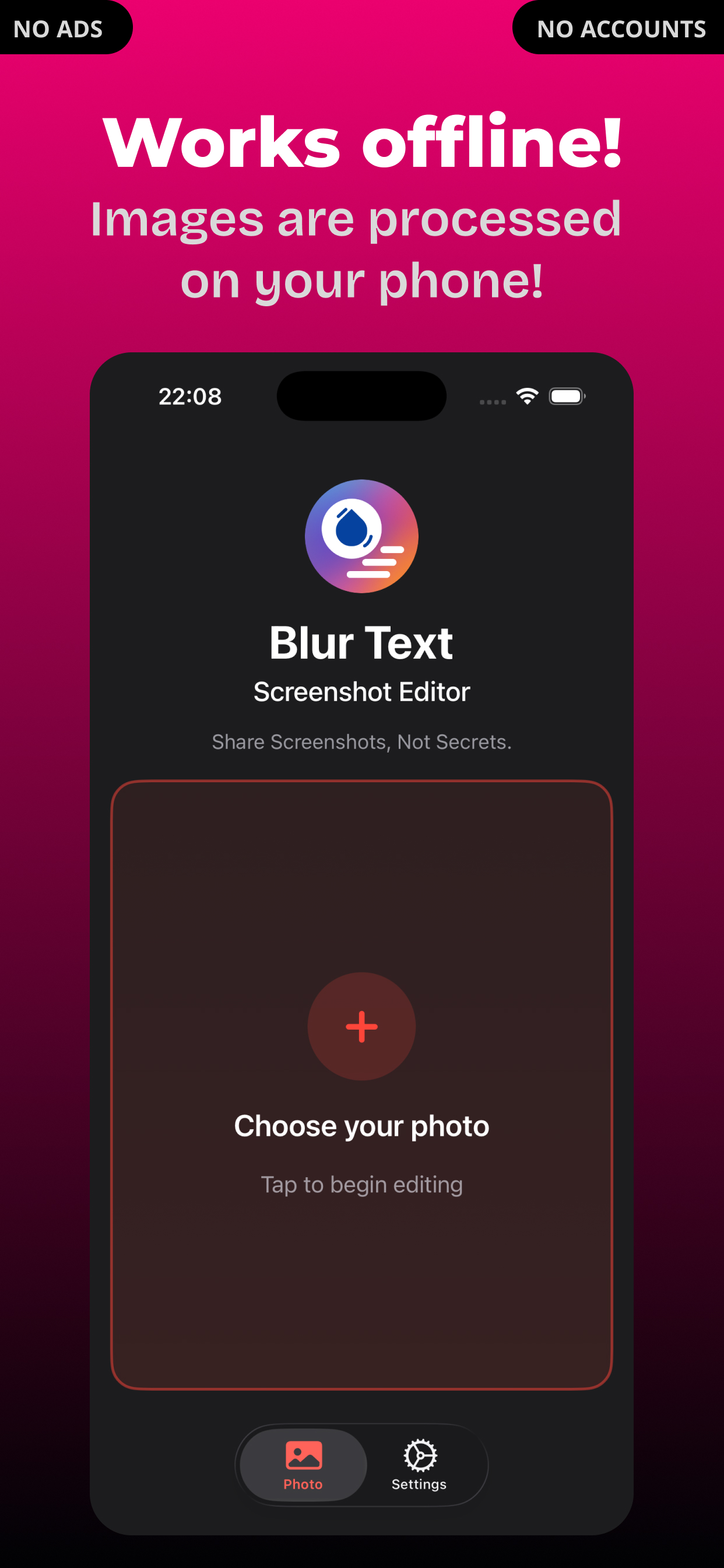
- Works fully offline
Privacy
All editing happens on your device. Your images never leave it. No login or accounts.